macOS Customization
Personal macOS workflow using Hammerspoon, Raycast, and Leader Key shortcuts.
Summer 2025 · Productivity · Completed personal project
Stack
Stack: Hammerspoon · Raycast · Leader Key · Lua
No replacement OS, no fragile desktop cosplay. Everything had to sit on top of stock macOS, survive a reboot, and stay simple enough that I would keep using it.
Log
Hammerspoon
Hammerspoon is the low-level layer: Lua with access to the parts of macOS Apple exposes but does not make pleasant. I use it for the invisible things — window movement, device events, menu bar widgets, small automations that should happen without opening an app. The basic pattern is simple: edit init.lua, bind a hotkey or watcher, reload config, let the machine do the repeated motion next time.
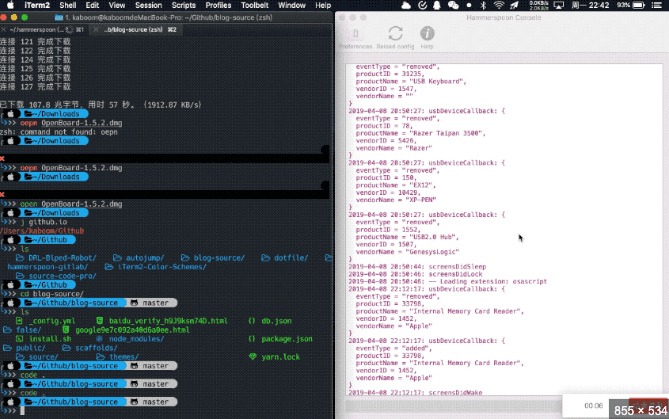
Public demo image illustrating Hammerspoon's event-driven layer. Raycast
Raycast replaced Spotlight because Spotlight opens things; Raycast performs things. It is the command palette: clipboard history, calendar, emoji, app launching, custom scripts, and small utilities I do not want living in the dock. The way I use it is intentionally boring: open Raycast, type the verb, press return. If I do something twice in a week, it probably becomes a Raycast command.
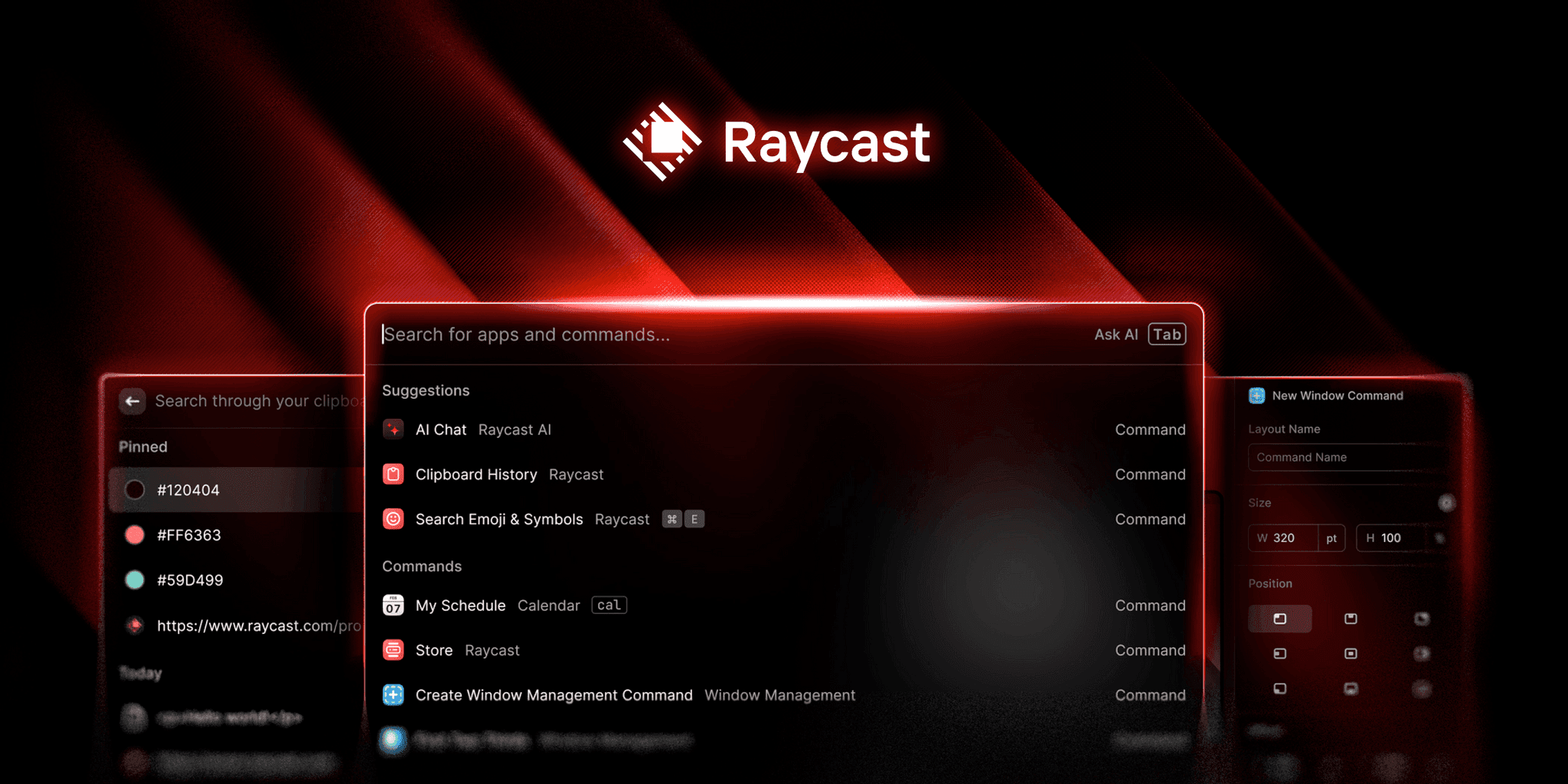
Public demo image of Raycast's searchable command surface. Leader Key
Leader Key is for actions that should not require search. I use it like a keyboard-native menu: press the leader, then a short sequence. Raycast helps me recall a command by name; Leader Key is for the routes my hands already know.
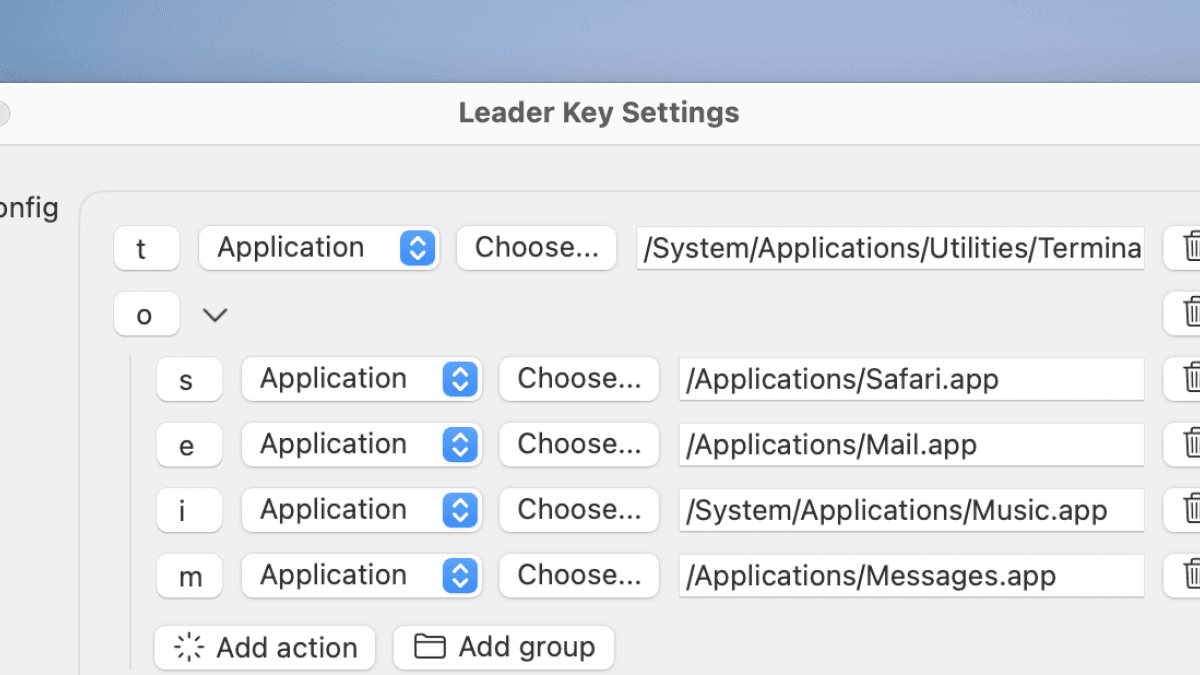
Public demo image of one possible application shortcut map. The sendoff
The moral is not that macOS needs to look different. It needs to take fewer negotiations. Hammerspoon handles the background behavior, Raycast handles the searchable command surface, and Leader Key handles the repeated paths. When the three agree, the desktop stops being a place I manage and becomes the thing carrying the work forward.
Result
Background automation, searchable commands, and shortcuts by muscle memory.
What I learned
macOS ships as a default-shaped computer. Hammerspoon, Raycast, and Leader Key turn it into a personal system without replacing the OS. Each tool closes a different kind of gap: the OS doing repeated work for me, the launcher finding the command faster than I can browse for it, and the keyboard making frequent actions automatic. The point of customization is not decoration; it is removing the tiny delays until the computer feels like it is already on my side.